This guide provides a practical B2B decision framework. Final specifications, market obligations, testing scope, labels, packaging and shipment requirements must be confirmed for the exact finished SKU and destination.
Introduction
Tracing activities are simple in concept but sensitive to product design. A child needs to see the model, place the writing surface in the correct position, control the stylus, and repeat the movement without the card sliding or the screen becoming difficult to read. For a school, distributor, or educational-toy brand, “transparent LCD writing tablet” is therefore more than a color or appearance option. It is a complete product application.
A transparent writing tablet can support letter formation, number practice, shape drawing, animal outlines, visual vocabulary, and guided creative play. It does not replace a teacher, worksheet, or structured lesson. Its value comes from making a repeatable tracing surface available without using a new sheet of paper for every attempt.
This guide explains how transparent LCD writing tablets work, who should consider them, which specifications matter, how to test a sample, how to prepare tracing cards, and what to control before wholesale production.
The short answer: how does a transparent LCD writing tablet work?
A transparent LCD writing tablet allows a learner to see a printed or prepared guide beneath or behind the pressure-sensitive writing surface. The learner follows the visible line with the stylus, then clears the screen and repeats the activity. The quality of the experience depends on transparency, contrast, card alignment, writing visibility, surface response, stylus control, and the ease of replacing or storing the learning card.
1. Define the tracing application first
The same transparent tablet can be used for different learning tasks. Define the application before ordering cards or packaging.
Letter tracing
For alphabet work, the card may show uppercase and lowercase letters, directional arrows, starting points, or simple words. The buyer should decide whether the card is intended to show a faint guide, a bold outline, or a more structured stroke sequence. Avoid overcrowding the card; a learner needs enough empty space to follow the letter.
Number and counting practice
Number cards can combine numeral formation with counting objects. This creates a useful bridge between visual recognition and handwriting movement. The card should be tested at the actual viewing distance and in the classroom lighting where the tablet will be used.
Shapes and early geometry
Simple circles, triangles, rectangles, patterns, and symmetry exercises can be used with a transparent writing surface. Larger tablets are usually easier for diagrams, but larger size also affects storage and shipping. Choose the format according to the activity rather than assuming that the biggest screen is best.
Drawing and visual vocabulary
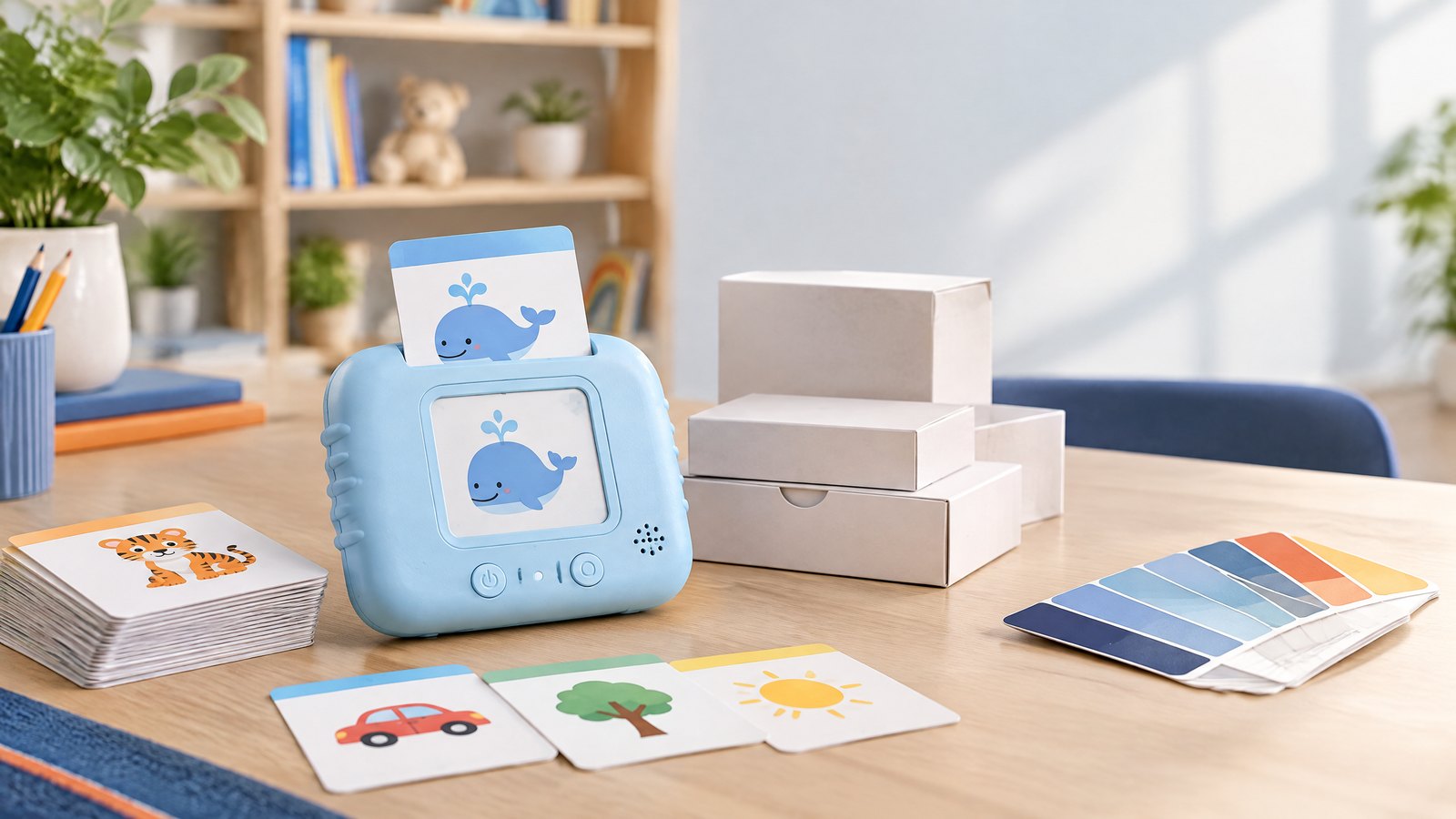
Animal outlines, household objects, maps, and picture prompts can support guided drawing or language activities. For a retail product, a small set of attractive cards may communicate the use case better than a long manual. For a school product, a replaceable card system may be more useful than a fixed gift bundle.
2. Evaluate the transparent screen as a working surface
Visibility and contrast
Transparency is useful only when both the guide and the writing remain visible. Review the screen in ordinary interior light, near a window, and under the lighting conditions expected in the destination market. Check the background color, line contrast, glare, and visibility near the edges.
Ask the supplier to explain what “transparent” means for the model. It may describe the optical film, the housing window, or a product designed for a specific card slot. Use a physical sample rather than a marketing image to make the final decision.
Writing response
Trace several curves, corners, vertical strokes, and small shapes. Check whether the pressure-sensitive writing surface responds evenly across the active area. A child should not need to press unusually hard or change direction because the stylus catches on the frame.
Erase behavior
Clear the screen after a short trace and after a full drawing. Check that the erase button responds consistently and that the screen clears fully. If the product includes an erase lock, verify the locked state during tracing so the learner does not accidentally remove the work before showing it.
Card alignment
Place cards under the surface or into the intended slot. Confirm that the guide stays aligned when the tablet is moved, tilted, or used by a child. A few millimeters of movement can make a tracing activity confusing, especially for letters with a starting point.
3. Design the tracing cards for the product
The card is part of the product experience. It should be specified with the same care as the tablet.
Size and thickness
Measure the usable card area and the slot or tray. Check card thickness, corner radius, flexibility, and insertion force. Thick laminated cards may be durable but may not fit a narrow slot. Thin paper cards may fit but can bend, tear, or move during use.
Print quality
Use lines that remain legible through the transparent surface. Test the lightest and darkest areas. Ask a teacher or product specialist to review the line weight and layout. If the card includes multiple languages, check whether the text remains readable without reducing the tracing area.
Learning sequence
Arrange cards from simple to complex. A set can start with lines and shapes, then move to letters, numbers, and short words. The progression should be explained on the insert or product page without making unsupported developmental claims.
Language and localization
The same card format may need different content for the US, UK, EU, or other markets. Control spelling, alphabet examples, number formats, animals, cultural references, and manual language by revision. Do not use a translated card without a native-language review.
4. Choose the size and housing for the user
Compact format
A compact transparent tablet is portable and easy to store. It can fit travel activities, small-group work, and gift packaging. Its limitation is writing space: long words, larger letters, or detailed shapes may feel cramped.
Standard learning format
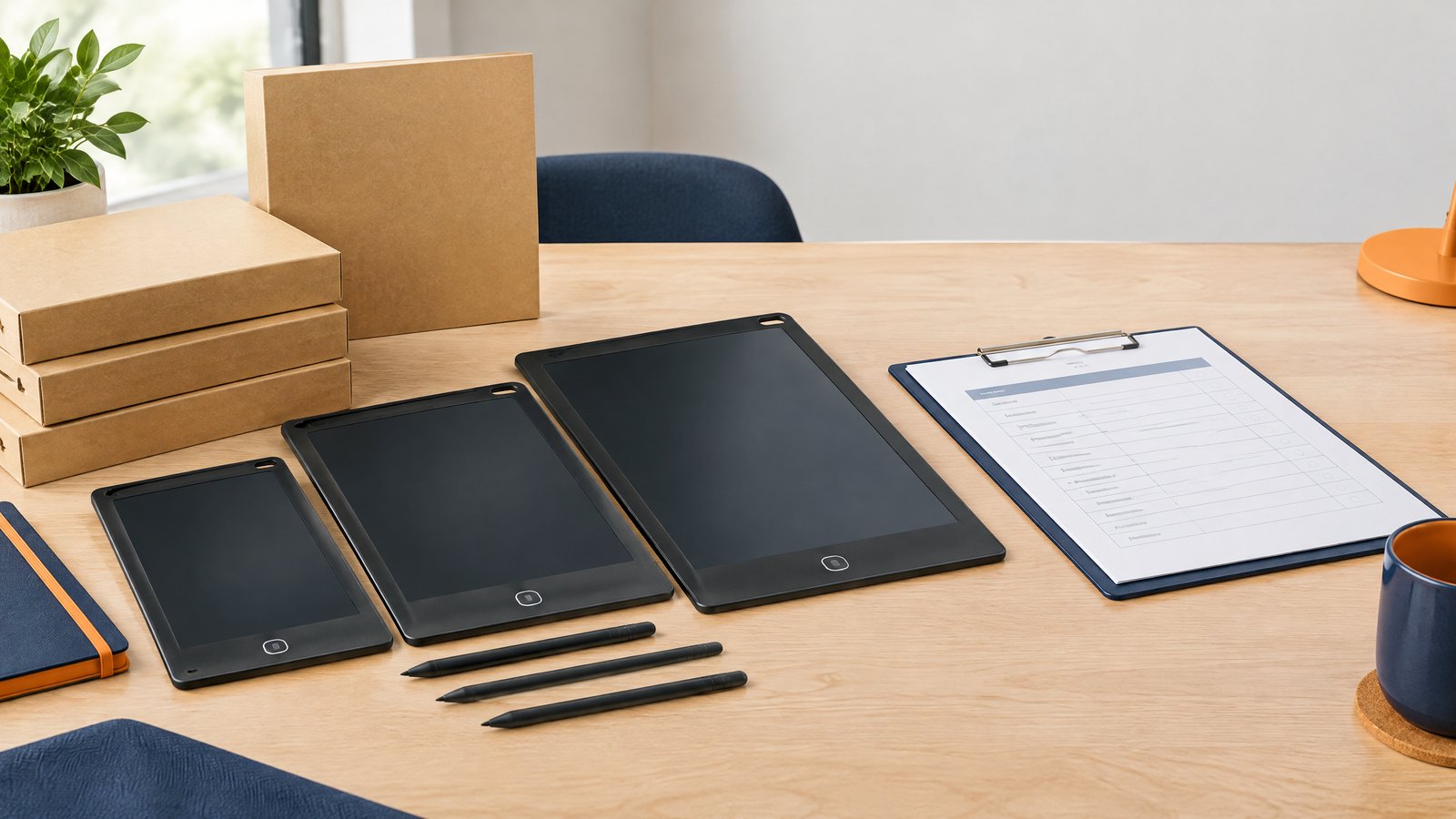
An 8.5- or 9-inch format often provides a balance between portability and usable tracing area. It can suit early-learning cards while remaining manageable for a child. The buyer should still test the complete card and stylus interaction.
Larger classroom format
A 10- or 12-inch format provides more room for diagrams and teacher demonstrations. It may be better for older learners or shared activities, but it requires more storage and stronger packaging. The school or distributor should confirm desk space, tray size, carton volume, and delivery cost before selecting it.
Housing and edge protection
Rounded edges, a stable frame, and a protected card area can improve normal handling. If a silicone bumper is specified, inspect the fit, seam, odor, surface finish, and attachment. Avoid describing the tablet as “unbreakable” or “drop-proof” unless the exact model and test method support the claim.
5. Sample-approval checklist for buyers
Run a complete sample review before approving cards, packaging, or a bulk order.
Product checks
- Is the transparent area large enough for the intended card?
- Can the learner see the guide and the writing at the normal working distance?
- Does the stylus move smoothly around the frame and slot?
- Does the writing respond consistently across the surface?
- Does the erase button clear the whole trace?
- Does the erase lock work as described?
- Is the battery cover or charging port appropriate for the selected age position?
Card checks
- Do cards fit without bending or sliding?
- Are the lines visible through the screen?
- Are the card corners and material suitable for repeated handling?
- Are language, spelling, arrows, and instructions correct?
- Can the buyer reorder cards without changing the tablet design?
Package checks
- Does the box show the actual use case?
- Are all cards, styluses, manuals, and accessories counted?
- Is the tablet protected from scratches and pressure during transit?
- Are barcode, warning, importer, age, and language details controlled?
- Can a retailer or teacher understand the first-use steps quickly?
6. Classroom and home application preparation
The product should arrive with a simple operating routine. A teacher can distribute one tablet and one card, demonstrate the first trace, allow a short practice period, ask the learner to show the result, and clear the screen for a second attempt. A home user can store cards in a pouch and choose activities by level.
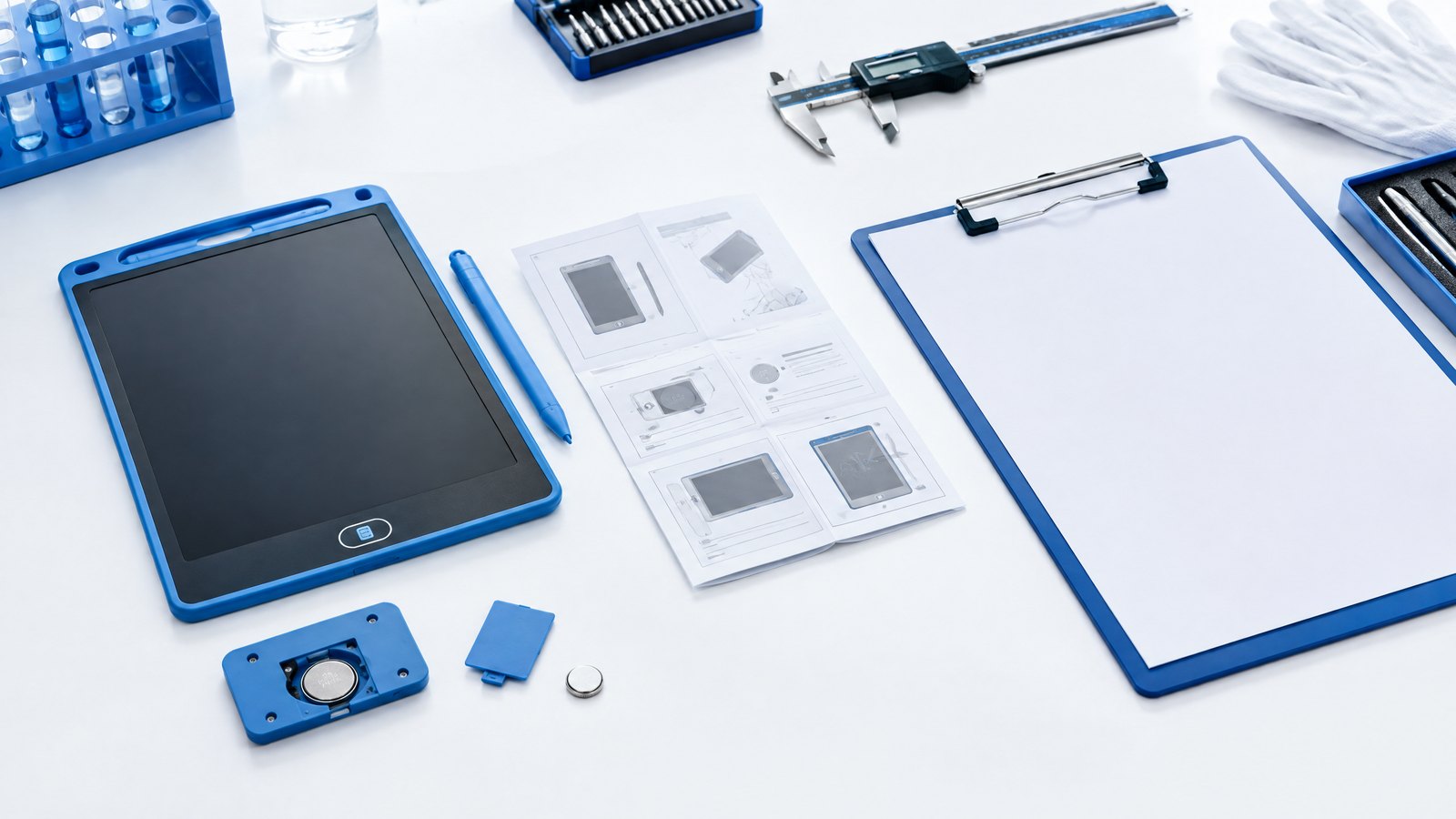
For classroom use, number tablets and card packs. Store styluses with the correct units where possible. If the model is rechargeable, define who charges it and how low-battery units are identified. If it uses a replaceable coin cell, define adult-only battery access and a replacement procedure. Review the applicable safety and labeling requirements for the destination market with a qualified compliance partner.
Installation preparation is simple but still matters: clear a flat working surface, check the card orientation, keep the stylus with the tablet, and explain how to lock or erase the screen. A short insert can prevent many support questions.
7. Factory testing and shipment inspection
Transparent models need both ordinary tablet checks and application-specific checks. Factory testing should cover screen appearance, writing response, erase response, button operation, frame and slot fit, stylus, battery compartment or charging port, and cosmetic quality.
The sample or pre-shipment inspection should also place the approved tracing card into the production-intent product. Inspectors should confirm card fit, alignment, visibility, accessory count, packaging artwork, and carton quantity. A tablet that passes a writing test but cannot hold the card correctly is not ready for the intended application.
The factory page and compliance preparation page provide useful starting points for discussing testing, documentation, and shipment readiness. The final inspection scope should be written for the exact model, card set, market, and packaging revision.
8. Private-label and wholesale considerations
A transparent tracing tablet can be differentiated through card content, frame color, character shape, packaging, and activity level rather than through a new electronic architecture. This may let a brand test demand before investing in a new mold.
For an RFQ, include:
- target market and age position;
- preferred screen size and active area;
- transparency and card-slot requirement;
- number, size, thickness, and language of cards;
- stylus and storage method;
- logo, color, and packaging scope;
- sample and approval deadline;
- quantity, carton, and delivery destination;
- inspection and documentation requirements.
Request separate pricing for the base tablet, card set, packaging, sample, and tooling. This keeps the program flexible if the buyer wants to change the cards by season or market.
Frequently asked questions
What is a transparent LCD writing tablet used for?
It is used for tracing letters, numbers, shapes, outlines, and guided drawing when a printed or prepared guide is placed beneath or behind the writing surface.
Is a transparent tablet suitable for classroom handwriting practice?
It can be suitable for short, repeatable tracing and handwriting activities when the visibility, card fit, size, and classroom workflow are appropriate. Pilot the actual product with the intended age group before buying in volume.
Can I customize the tracing cards?
Many OEM programs can customize card artwork, language, size, and packaging. Confirm the physical card specification and approve a complete sample because card thickness and alignment affect usability.
What screen size is best for tracing?
There is no universal best size. Compact formats support portability, while 8.5- to 12-inch formats provide more room for letters, shapes, and classroom activities. Choose based on the card, user age, storage, and channel.
Does the tablet save the traced work?
Basic LCD writing tablets generally provide a reusable writing surface and may not store or transmit writing. Confirm the exact product architecture before making a digital-storage claim.
What should I ask an LCD writing tablet supplier?
Ask for a physical sample, screen and card dimensions, writing and erase tests, battery information, packaging details, MOQ, sample timing, documentation scope, and a shipment inspection plan for the exact configuration.
Conclusion
Transparent LCD writing tablets can make tracing activities more repeatable and less dependent on disposable worksheets, but the result depends on more than transparency. The screen, card, stylus, frame, package, instructions, and classroom routine must work together.
Buyers should define the application first, test the complete product with real cards, review visibility and alignment, approve the packaging, and include the tracing function in factory testing and shipment inspection. For private-label programs, controlled card content and packaging can create meaningful differentiation without unnecessary technical complexity.
CTA
Looking for a transparent tracing format? Ask the factory about the KidTrace model or send your requirements with your card size, language, target age, quantity, and packaging direction.
Turn this sourcing plan into a product brief.
Share your target market, product requirements, packaging preference and estimated volume for a practical OEM / ODM discussion.