This guide provides a practical B2B decision framework. Final specifications, market obligations, testing scope, labels, packaging and shipment requirements must be confirmed for the exact finished SKU and destination.
Introduction
Direct answer: Choose an LCD writing tablet when the required job is simple reusable handwriting or drawing with a stylus and an erase control. Evaluate an e-ink writing tablet when the project needs a more advanced display, saved content, document workflow, connectivity, or a different interaction model. They are different product categories, with different component, software, support, transport, and market-preparation implications.
The names can create confusion. A basic LCD writing tablet is usually a pressure-writing surface that displays a mark until the user clears it. Many designs use a small power source mainly for erase. It normally does not function as a computing tablet, a connected note system, or a document library. An e-ink product can range from a simple e-paper device to a more complex connected system with storage, firmware, screen refresh behavior, input layers, and charging needs.
For a B2B buyer, the question is not which technology is “better.” It is which product truthfully fits the customer requirement, sales channel, and service capability.
1. Compare the product job before comparing features
| Buyer need | LCD writing tablet direction | E-ink writing tablet direction |
|---|---|---|
| Quick reusable notes or doodles | Often a straightforward fit | May be more capability than required |
| Child-directed drawing or simple tracing | Can be a fit with appropriate final product review | Requires a defined learning/software reason |
| Saved pages and document workflow | Usually not the intended architecture | May be relevant if the selected device supports it |
| Cloud sync, app, or account use | Usually not present | Requires a specific connected product plan |
| Low-complexity promotional item | Often easier to explain and pack | Higher support and setup expectations |
| Professional document annotation | Not a substitute | May be relevant with defined functionality |
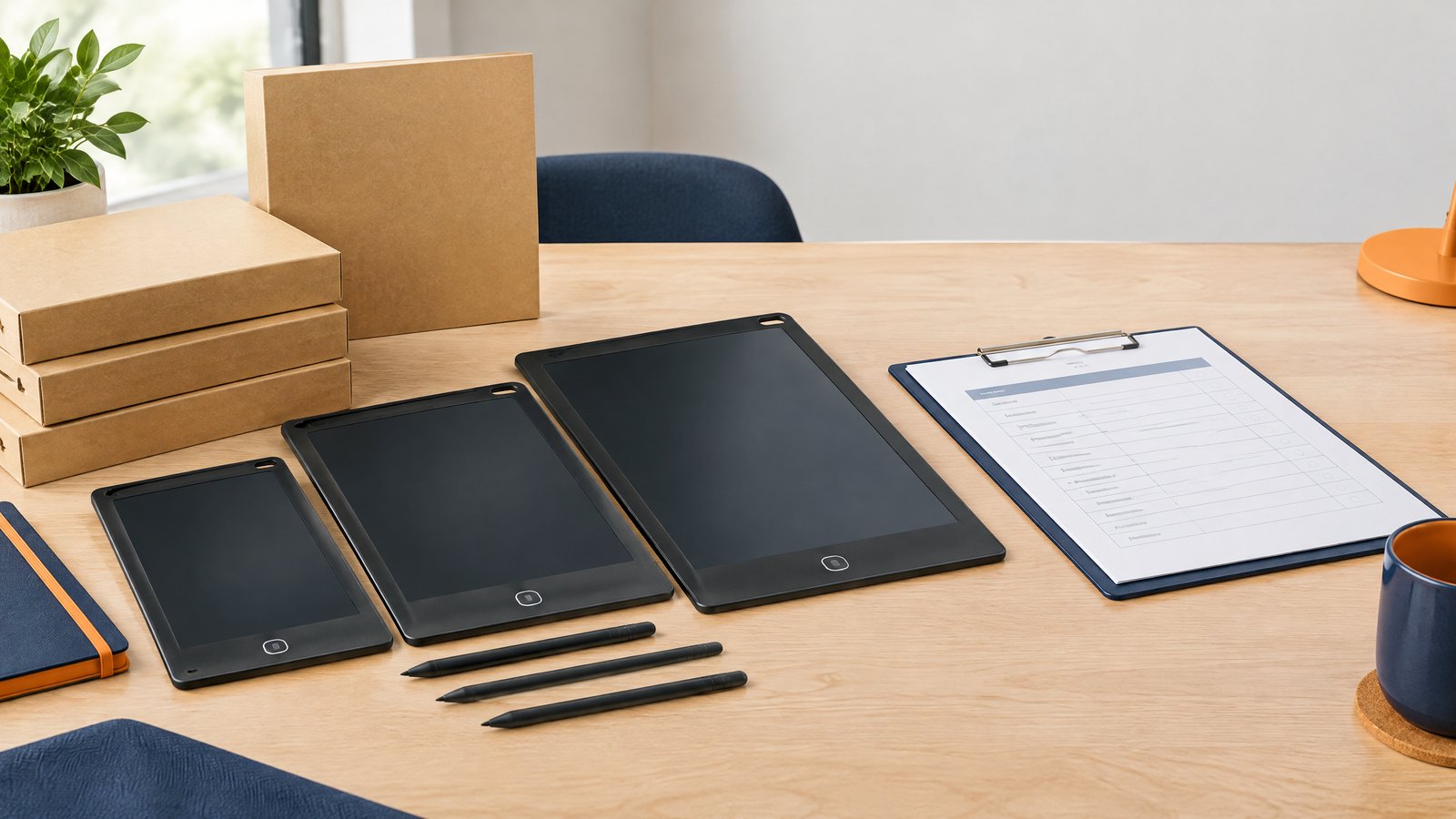
Start the brief with the user task. If the campaign needs a reusable desk message, travel drawing board, short classroom activity, or simple event giveaway, an LCD writing tablet may meet the job without extra user setup. If a buyer asks for saved notes or app integration, do not imply that a basic board has those features; review a product designed for that workflow instead.
2. Power, storage, and support are category boundaries
Direct answer: A lock function is not storage, and erase functionality is not digital sync. Product copy, pack claims, and sales staff should state the exact selected model’s capabilities.
An LCD writing tablet can retain the visible mark until erased, but that does not mean it saves a file, transmits data, or provides account-based access. An e-ink device may offer storage and more controls, but every added function can create charging, firmware, support, privacy, repair, and documentation considerations.
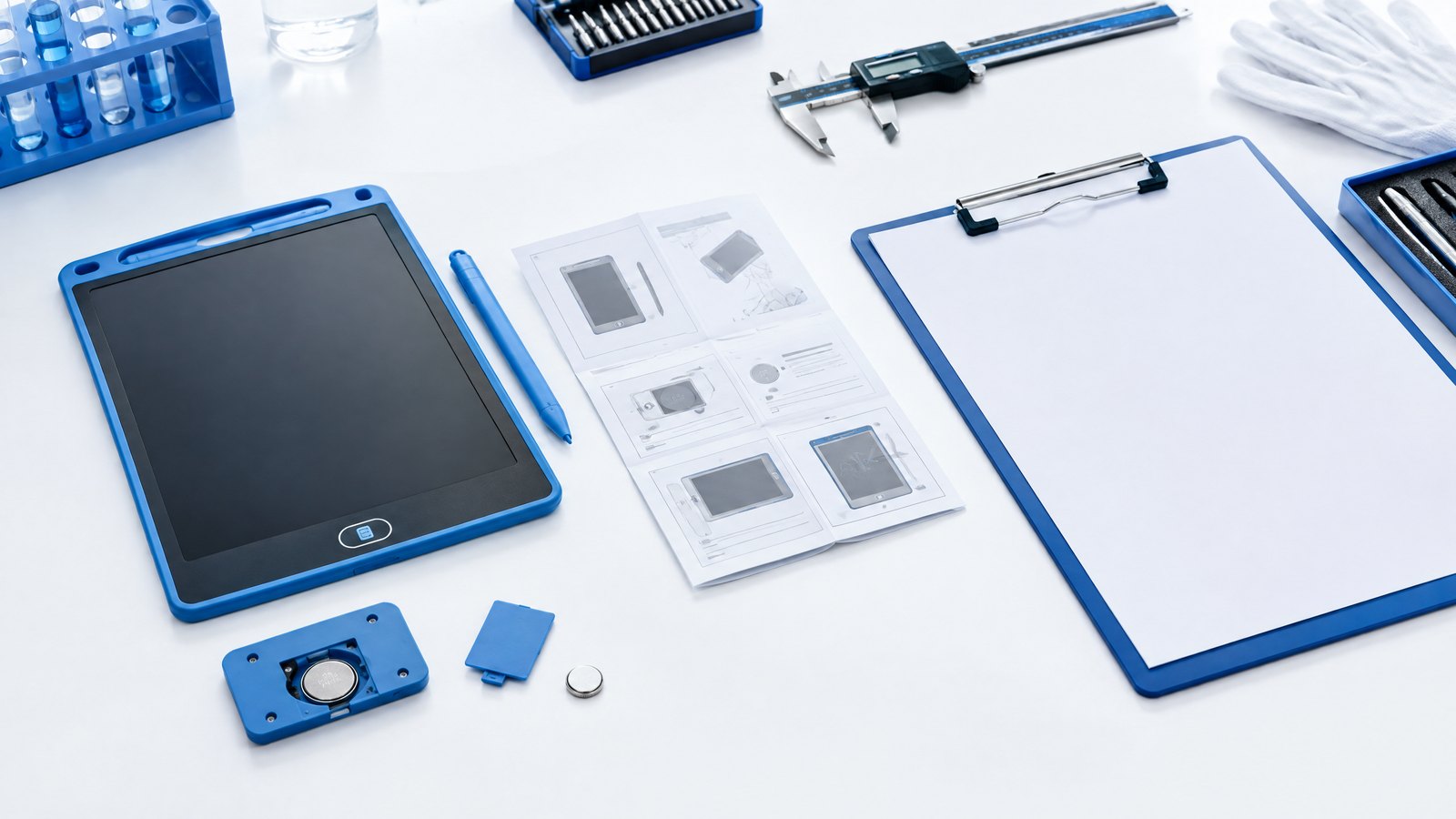
Ask the supplier to confirm the exact architecture: power source, charging arrangement, screen function, storage function, connectivity, operating interface, included cable, instructions, and service route. Avoid copying terms such as “paper tablet,” “smart board,” or “digital notebook” onto a product whose approved specification does not support them.
3. Compare total program complexity
The purchase price is only one part of a B2B decision. Compare sample needs, product documentation, packaging, accessories, first-use training, customer support, replacement plan, freight data, and likely return questions.
An LCD writing tablet OEM program may focus on screen appearance, erase/lock response, stylus retention, housing, logo, pack, and carton protection. An e-ink writing tablet project may need additional review of operating system, firmware revision, charging performance, account setup, privacy communications, accessories, and software support. The buyer should not expect the same sample, inspection, or after-sales workflow.
For general LCD board selection, see the wholesale buyer guide. Use it to document the end user, product task, power boundary, packaging, and market route before requesting quotations.
Mid-article CTA
Not sure which product category fits your program? Send your requirements with the end user, required task, market, quantity, any need for saved content or connectivity, and packaging direction. We can help separate a basic reusable writing-board brief from a more advanced device brief.
4. Sample approval needs different test cases
For an LCD writing tablet, sample approval should include actual handwriting/drawing, erase response, lock behavior where fitted, screen visibility under intended light, stylus fit, battery/charging arrangement, logo, accessories, and packaging. The screen-color and contrast guide explains how to make visible screen expectations more objective.
For a device with stored content or connectivity, test the exact claimed workflow: set-up, account or offline use as applicable, screen response, saving, reopening, charging, software version, reset procedure, and instructions. A factory sample that only switches on is not enough to approve a complex customer journey.
5. Factory testing and shipment inspection
Factory testing should match the product category. An LCD writing tablet check may include writing, erase, lock, controls, screen appearance, stylus, housing, battery compartment, pack contents, and carton details. A more advanced e-ink device can require additional functional checks appropriate to the final configuration.
Shipment inspection is not a substitute for regulatory, software, battery, or product-safety evaluation. It confirms whether selected finished units and cartons match the approved reference and inspection brief. Keep the scope tied to customer requirements, not generic technology claims.
6. Write honest marketing copy
Use a clear first sentence. For example: “This reusable LCD writing tablet is designed for short notes and drawing with the supplied stylus; clear the screen with the erase control when the lock is off.” This is more useful than describing the product as a connected tablet.
For products sold into the EU, broad product claims and CE-mark references should be handled carefully. The European Commission’s CE marking guidance is a helpful starting point, but the final market route depends on the exact product.
FAQ
Can an LCD writing tablet save notes?
A standard LCD writing tablet normally keeps the visible mark until it is cleared but may not save, sync, or transmit that content. Confirm the exact model before making a storage claim.
Is an LCD writing tablet the same as an e-ink tablet?
No. They can both be used for writing, but their display, functionality, interfaces, and service requirements can be very different.
Which is better for a promotional giveaway?
A basic LCD writing tablet may be easier to hand out and explain when a simple reusable writing task is the goal. Choose based on recipient use, pack, and support capacity.
What should I include in the RFQ?
State the intended task, screen/product category, required storage or connectivity, power arrangement, market, branding, packaging, quantity, sample plan, and shipment requirements.
Conclusion
An LCD writing tablet and an e-ink writing tablet should be compared by the job the recipient needs done. Define the application first, identify whether saved content or connectivity is genuinely required, approve the appropriate workflow, and keep the claims, testing, packaging, and service plan aligned with the actual product.
Final CTA
Contact us for a reusable writing-tablet sourcing brief. Share the user task, market, quantity, required functions, branding, and delivery plan.
Turn this sourcing plan into a product brief.
Share your target market, product requirements, packaging preference and estimated volume for a practical OEM / ODM discussion.