This guide provides a practical B2B decision framework. Final specifications, market obligations, testing scope, labels, packaging and shipment requirements must be confirmed for the exact finished SKU and destination.
Introduction
Direct answer: Build an LCD writing tablet listing from an approved production-intent sample and controlled specification—not from a generic supplier image. Confirm the active writing area, finished dimensions, screen effect, erase and lock functions, stylus, power arrangement, pack contents, target user, and market information before copy or photography is finalized. Then make each claim visible, specific, and consistent across the product page, packaging, catalog, and customer-service material.
For a reusable writing product, a listing is not merely a sales page. It is the customer’s first operating guide and the reference a retailer uses when deciding if a return is caused by a product issue, missing accessory, misleading claim, or normal product behavior. A screen described as “backlit,” an erase lock described as “memory,” or a photo that makes the writing trace look brighter than normal can generate avoidable dissatisfaction.
The strongest product content explains what the selected model does in ordinary use, what arrives in the box, and which details are configuration-specific. It does not rely on generic superlatives, unsupported lifecycle figures, or competitor-style claims that cannot be verified for the final SKU.
1. Freeze the product facts before writing copy
Direct answer: The listing team should receive a one-page product fact sheet signed off through sample approval. Every product sentence, image label, and FAQ answer should trace back to that sheet or to an approved instruction.
The fact sheet should contain the product model, active writing area, overall dimensions, weight where measured, screen type, background and writing-color effect, frame material/finish if approved, stylus type, erase behavior, lock function, power arrangement, included accessories, retail-pack contents, and current artwork revision. Mark each element as confirmed, pending, or not applicable.
For a model with a replaceable battery or charging function, do not allow marketing copy to invent a battery life, charge time, or compatibility statement. State only the verified arrangement and direct users to the final instruction. For a child-directed product, make sure the proposed age position and packaging claims have been reviewed for the intended market. The CPSC business education resources are a useful official starting point for U.S. children’s-product questions, but the final product and market still require appropriate review.
2. Write the product description around the user task
Lead with a clear use statement, not a keyword stack. Examples include “reusable note board for short lists and desk messages,” “drawing and tracing activity with an included stylus,” or “compact writing tablet for a branded travel giveaway.” The task determines what a buyer should expect from the product.
Product-description structure
- What it is: Define it as an LCD writing tablet or reusable electronic writing surface.
- What users do: Note, draw, trace, write lists, or display short messages.
- How it operates: Write with the supplied stylus; erase according to the model instructions; explain lock behavior if fitted.
- What is included: Tablet, stylus, instruction, cards, cable, battery, or other approved contents.
- Who it fits: State the intended application and market position without unsupported developmental or safety claims.
- What is model-specific: Direct customers to the selected size, panel style, package, and instruction.
An LCD writing tablet product description should not call a basic board a computer tablet, graphic tablet, e-reader, storage device, or connected device unless the chosen SKU actually provides those functions. The product is more credible when it is accurately positioned.
3. Plan product photography that shows the real experience
Direct answer: Photograph the approved final model in normal, believable conditions and include functional details. Use a mix of pack shot, screen close-up, scale image, use image, and packaging/accessory image.
Five essential image views
| Image | What it should show | Common error to avoid |
|---|---|---|
| Main product image | Complete tablet, stylus, and accurate silhouette | Using a different size or prototype |
| Screen-detail image | Actual writing appearance and real screen effect | Digitally increasing contrast or colors |
| Size/feature image | Measured overall and active-area dimensions; erase/lock controls | Showing nominal size without clarifying usable area |
| Application image | The intended task in an ordinary setting | Using a use case that contradicts the listing |
| Pack-contents image | Every approved item in the final package | Showing accessories not included in the retail SKU |
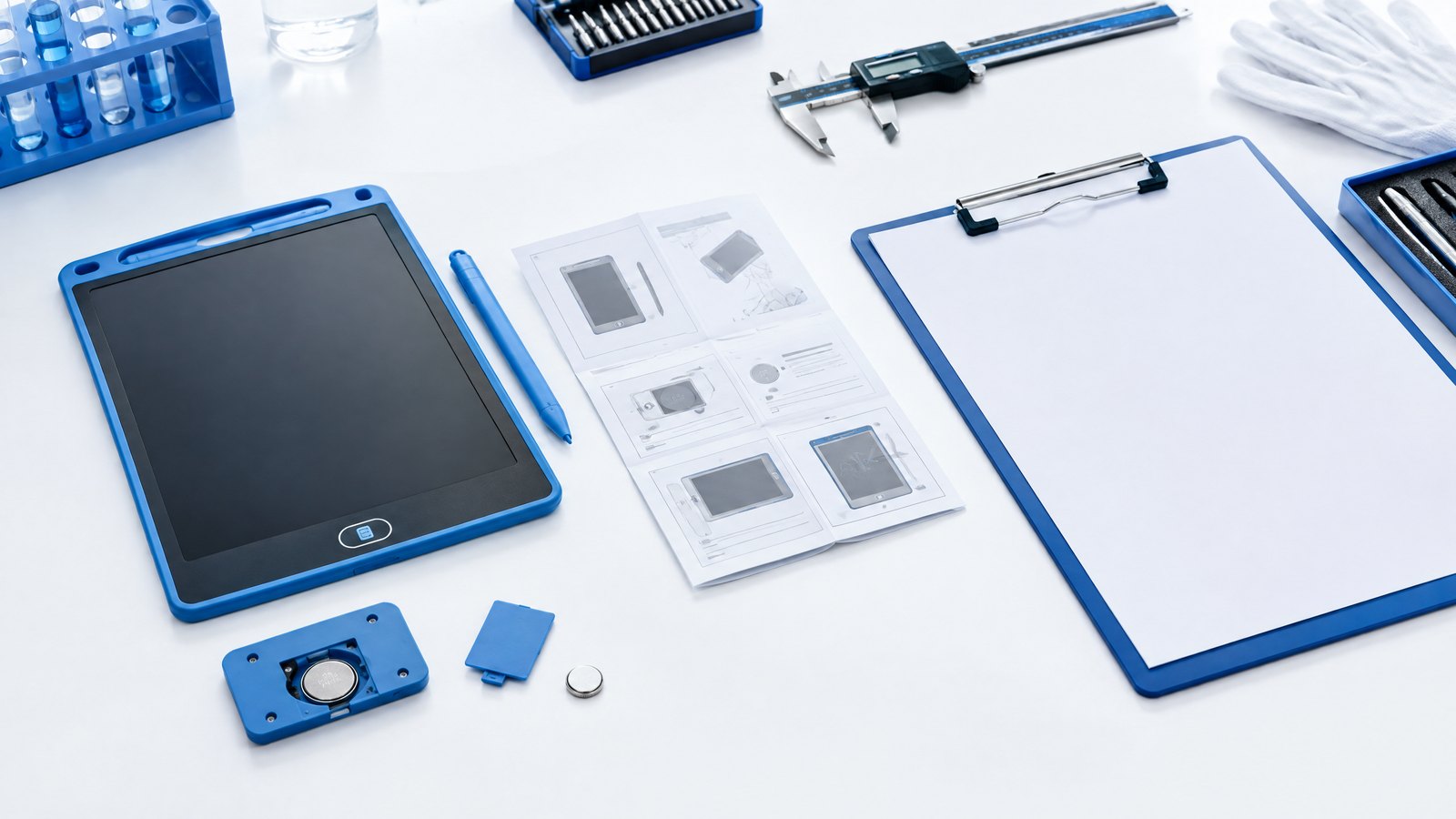
Use the same production-intent sample for product photography, listing videos, packaging artwork, and sample approval where possible. If the factory changes an element after photography, recheck whether the media still accurately represents the unit.
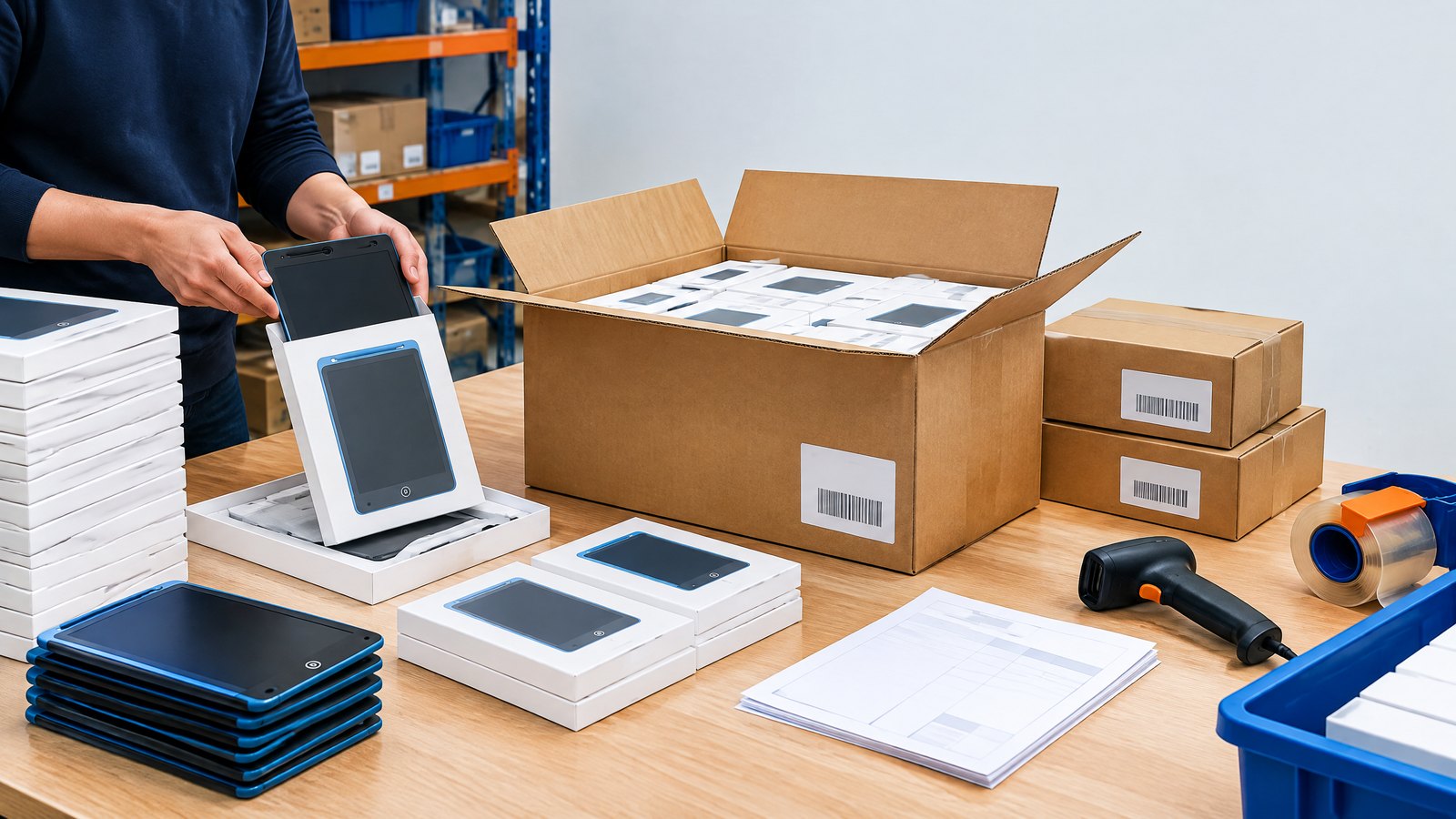
For marketplace retail, verify the current image, title, bullet, safety, and pack-content rules on the marketplace’s own seller guidance before submission. Our Amazon FBA packaging guide can help with product-and-carton preparation, but platform rules can change.
4. Make specifications easy to compare
An effective spec section separates physical dimensions from marketing names. “10-inch LCD writing tablet” may mean different active writing areas, bezel widths, aspect ratios, stylus layouts, and pack dimensions across models. Give both nominal class and confirmed measurable data.
Use a clear table with the fields below. Do not populate a field with an estimate just to make the table look complete.
| Specification field | Listing rule |
|---|---|
| Model name | Match product, packaging, and order records |
| Nominal size | State as a product class; clarify it is not automatically active area |
| Active writing area | Use a confirmed measured or approved drawing value |
| Product dimensions | Use finished-product length × width × thickness |
| Pack contents | List all and only included components |
| Functions | Describe erase, lock, or other verified controls plainly |
| Power | State the model-specific battery/charging arrangement without unsupported longevity claims |
| Materials/finish | Use only approved composition and color wording |
| Warnings/instructions | Link or show the current market-appropriate information |
Mid-article CTA
Need help converting a product sample into a retailer-ready listing brief? Send your requirements with the model, destination market, sales channel, size, packaging direction, and planned launch date. We can help identify the facts that should be confirmed before content production.
5. Use FAQ content to prevent predictable returns
FAQs work best when they answer questions a customer has after holding the product—not when they repeat sales claims. Include model-specific answers where available.
Useful questions include: How does the erase button work? What does the lock do? Is the screen backlit? What comes in the package? Does the tablet save writing? How do I store the stylus? What should I do if a product will not erase? Is a battery or cable included? What should I check before contacting support?
The answer to “Does the tablet save writing?” should be unambiguous. A standard reusable LCD writing surface generally displays writing until cleared but may not store, transmit, or sync that content. Do not use the word “save” as shorthand for an erase lock.
Make the FAQs consistent with the instruction leaflet, product page, retailer feed, and support script. If customer service sees repeated confusion, update the explanatory image or instruction rather than adding a vague disclaimer.
6. Add factory and shipment controls to the content workflow
Content quality begins upstream. During sample approval, check that the photographed screen appearance, housing color, stylus, logo, labels, and packaging match the intended launch configuration. During factory testing, verify the functional controls that the listing explains. During shipment inspection, confirm that the shipped unit and retail pack remain consistent with the approved sample and content reference.
The listing team should receive a change notification if a panel, battery arrangement, stylus, logo method, accessory, packaging material, or carton configuration changes. This prevents a common error: a well-written listing describing an earlier sample while the shipped product differs.
Use a shared checklist across marketing, purchasing, quality, and operations. The RFQ specification guide gives a useful structure for linking customer requirements to controlled product data.
7. Claims that require extra care
Avoid unqualified statements such as “100% safe,” “unbreakable,” “paper replacement,” “eco-friendly,” “eye-protection,” “infinite erase,” or “perfect for every child.” These phrases can overpromise, require substantiation, or obscure the product’s limits.
If you make environmental claims, keep them specific and supportable. The UK Competition and Markets Authority’s Green Claims Code provides useful principles: claims should be truthful, clear, and backed by evidence. “Reusable writing surface” is more precise than a broad environmental benefit claim.
FAQ
What should an LCD writing tablet product listing include?
Include the exact model, intended use, active area and finished dimensions, functions, power arrangement, stylus, package contents, product images, current instructions, and market-relevant information. Build the page from an approved sample and specification.
Can I use supplier photos for an Amazon listing?
Only if the photos accurately show your approved model, pack contents, branding, and marketplace requirements. Recheck them after customization or product changes.
How do I describe the erase lock?
Explain that the lock prevents or controls the clear action when engaged, according to the model instructions. Do not imply that it stores or transmits handwriting.
Why should product photography use a production-intent sample?
It reduces the risk that customers see a different screen effect, accessory, logo, color, or package from the item they receive.
What should be checked at shipment inspection for listing accuracy?
Check model identity, screen and control function, accessories, logos, labels, packaging artwork, and carton details against the approved sample and current content brief.
Conclusion
Accurate product content is a commercial control point. A clear fact sheet, realistic photography, honest product description, useful FAQ, and cross-team change process make an LCD writing tablet easier to buy, operate, support, and replenish. The goal is not a louder listing; it is a listing that accurately represents the product application and the customer requirements behind the SKU.
Final CTA
Ask for a product catalog or content-ready sample brief. Include your target market, product model, sales channel, packaging format, and information you need confirmed before photography or listing production.
Turn this sourcing plan into a product brief.
Share your target market, product requirements, packaging preference and estimated volume for a practical OEM / ODM discussion.